
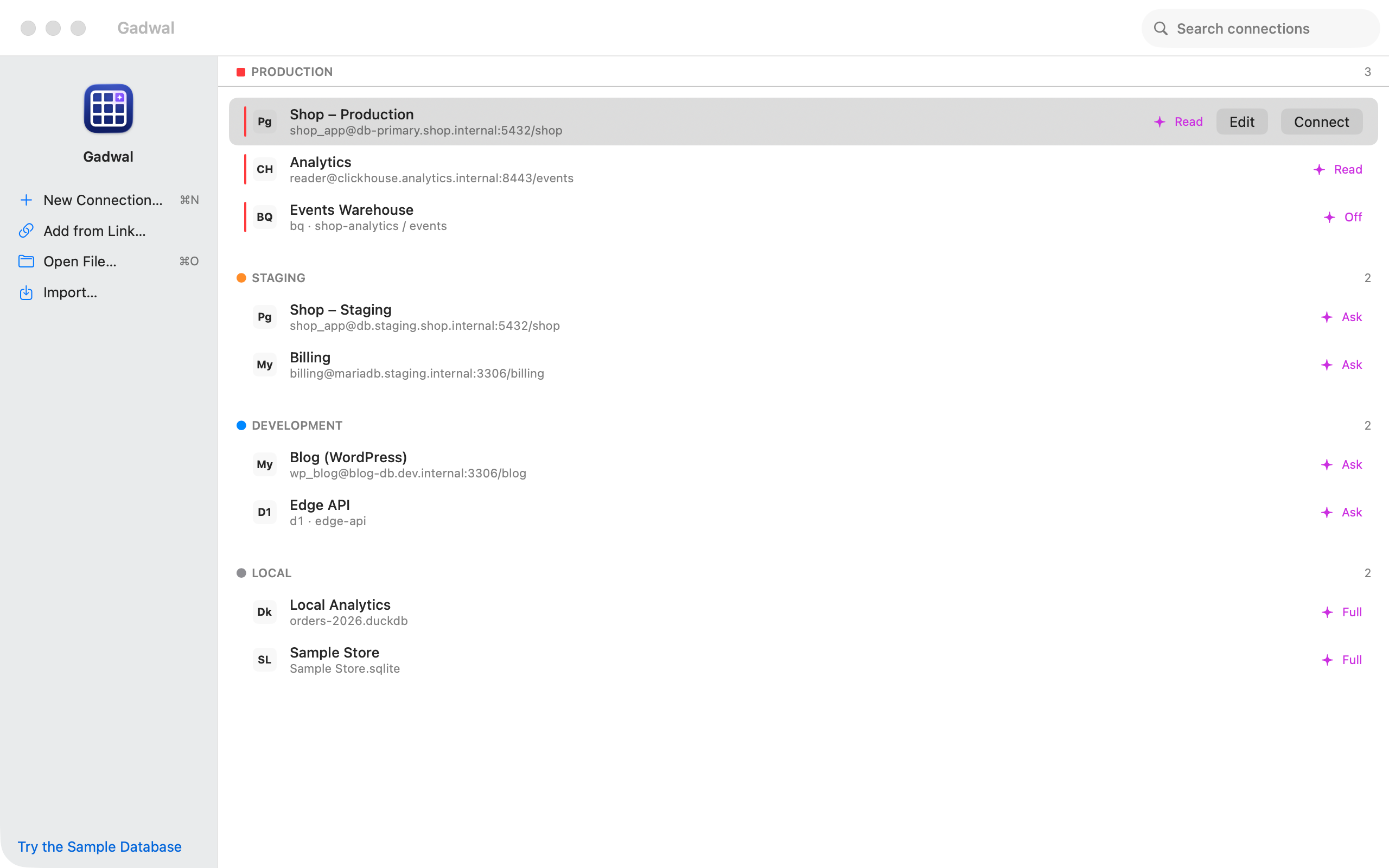
D1 is easy to deploy and awkward to look at. The dashboard console is fine for a quick query, but not for scanning a table, fixing a row or comparing local data with production. Gadwal treats D1 as a first-class engine.
What you can do
- List and open every D1 database in your account with one API token.
- Browse, filter and edit rows by primary key or rowid, and commit the batch with ⌘S.
- Run SQL with autocomplete.
- Open wrangler's local database, the SQLite file under
.wrangler/state/v3/d1/, while you develop. - Back up a remote database to a folder on your Mac or in iCloud Drive, as compressed SQL per table.
- Let Claude, Cursor or Codex read it through Gadwal's MCP server, with writes staged for review.
Step-by-step setup: Cloudflare D1 docs.
Coming in 1.1, not in 1.0: comparing a local wrangler database with remote D1 and pushing schema changes.
Questions
Do I need wrangler installed?
No. Remote databases are reached through the Cloudflare API with your token. wrangler is only involved if you want to open its local development files.
Is it safe to let an AI edit D1?
D1 has no read-only session, so Gadwal's statement classifier is the only guard on Read-only connections, and the app tells you that. With “Ask before write”, every change waits for your approval.